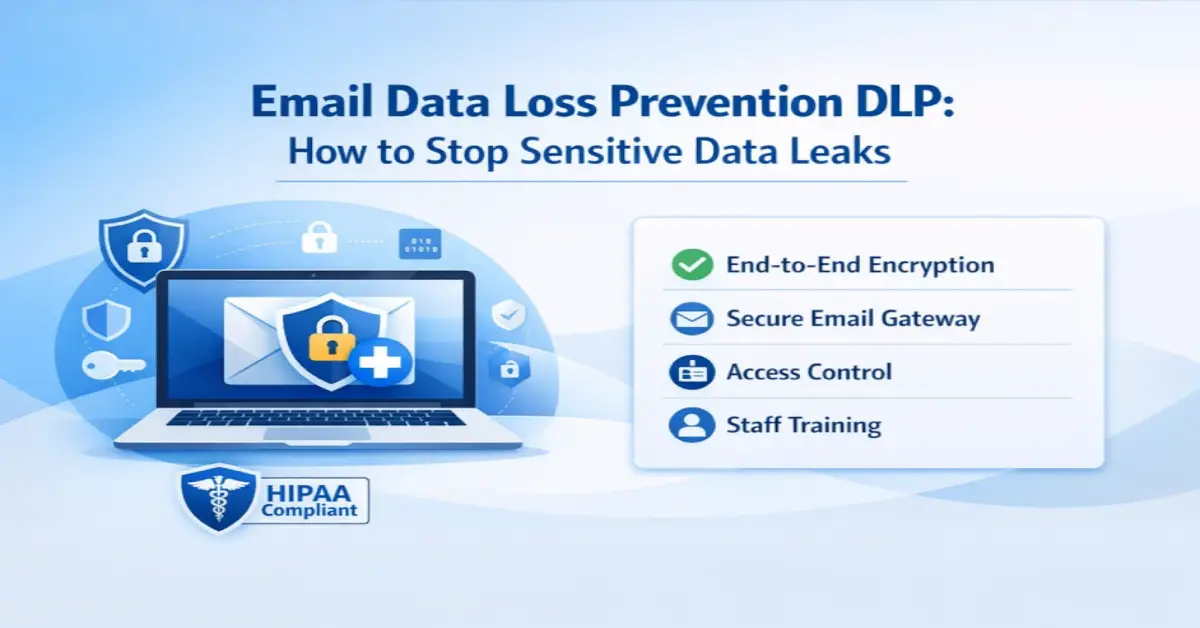
What Is Email Data Loss Prevention
Email data loss prevention, usually shortened to email DLP, is a set of controls that spot sensitive content in outbound email and act on a policy before the message goes out. That action might be blocking the send, warning the person, encrypting the message, or holding it for review. The aim is simple enough. Keep confidential data, regulated records, and intellectual property out of the wrong inbox.
Data slips out through email in ways most teams underestimate. A message fired to the wrong recipient, an attachment shared too widely, a forgotten auto forward rule, a reply sent in a rush. Any one of those can expose data and trigger a compliance event, and email DLP exists to catch those moments before they turn into breaches.
How to Evaluate Email Data Loss Prevention Solutions
On paper, most email DLP tools read almost the same. The real differences only surface once actual people and actual workflows get involved. Use the criteria below to weigh the best email data loss prevention solutions against the things that genuinely move the needle.
| Evaluation Criterion | What to Look For |
|---|---|
| Detection accuracy | Context-aware detection that goes beyond keyword matching to reduce false positives |
| Enforcement at send time | Warnings and blocks that reach the user while composing, not after the leak |
| Encryption and access control | Built in encryption so sensitive email is protected, not just monitored |
| Deployment fit | Native integration with Gmail and Outlook without rearchitecting email |
| Recipient experience | External recipients open protected mail without installing software |
| Reporting and audit | Detailed reporting and access logs that support compliance reviews |
| Total cost and scalability | Transparent pricing that scales with users and includes a free entry point |
Best Email Data Loss Prevention Solutions by Category in 2026
Email DLP gets bought and deployed in a handful of distinct ways. Ranking by category beats a flat top ten list here, because the best choice really does come down to your environment and what you are obligated to protect.
1. Integrated Encryption and DLP for Regulated Teams
This category folds data loss prevention together with end-to-end encryption and identity-verified delivery in a single layer. It is the strongest fit for healthcare, legal, financial, and government teams that have to do two things at once, stop leaks and protect the content of every sensitive message. The advantage is that enforcement and encryption live in the same place, so a flagged message can be encrypted and access controlled instead of just bounced back to the sender. SafeMailer sits in this category, bringing DLP, encryption, and audit reporting into Gmail and Outlook, with a free plan to get started.
- Strengths: prevention plus encryption, compliance reporting, simple recipient experience
- Best for: regulated organizations that need protection and proof of protection
2. Suite-Based Enterprise DLP
Large platforms stretch DLP across email, endpoints, cloud storage, and collaboration tools, all run from one console. You get deep policy control and mature workflows in return, but it usually comes with heavy tuning, a dedicated security team to run it, and pricing you only learn after a sales call.
- Strengths: broad multichannel coverage, granular policy depth
- Best for: large enterprises with security operations teams and complex environments
3. Cloud-Native Detection for Cloud-First Teams
These solutions focus on detection within cloud email, like Gmail, Microsoft Outlook, and the like, and they often use machine learning to spot sensitive content before it even leaves. They stand up fast, though you may have to bolt on a separate encryption tool to get full protection.
- Strengths: fast deployment, strong detection in cloud email
- Best for: cloud-first organizations that want preventive detection at send time
4. Endpoint and Insider Risk DLP
This category watches user behavior and file movement across devices to catch deliberate theft, the slow drip of forwarding files to a personal account over weeks. It is powerful for insider risk, but it reaches well beyond email and takes more effort to run day to day.
- Strengths: behavioral detection, insider threat coverage
- Best for: organizations whose primary concern is intentional data theft
Whichever category you choose, DLP works best alongside outbound filtering. Pairing it with a secure email gateway covers both the content you send and the threats that arrive, closing the gap that single direction tools leave open.
Common Email DLP Mistakes to Avoid
Teams that struggle with email DLP nearly always trip over the same handful of issues. Spotting them ahead of time can save you months of frustration.
- Building rules only for accidental leaks while ignoring intentional theft and slow drip forwarding.
- Blocking too aggressively at launch, which pushes staff to route around the tool.
- Treating encryption as optional, when it is what protects data the moment a rule fires.
- Skipping a staged rollout. Warn or audit mode first lets users adjust before strict blocking.
- Choosing a tool that reports poorly, leaving compliance teams without audit evidence.
How SafeMailer Approaches Email Data Loss Prevention
SafeMailer treats prevention and protection as the same job, not two separate ones. Rather than just flagging a risky message and leaving it there, it encrypts sensitive email, confirms who the recipient is, controls what they can do with the message once they open it, and logs every access event so the reporting is ready when you need it.
- Encryption applied to sensitive messages and attachments, not just monitoring
- Identity-verified delivery so only authorized recipients can open protected email
- Access controls, including forwarding restriction, expiration, and revocation
- Detailed reporting and audit logs for compliance reviews
- Native operation inside Gmail and Outlook with a free plan to start
Organizations that need to demonstrate protection during an audit can combine DLP with activity tracking. The email security audit report guide shows how access logs turn DLP enforcement into compliance evidence.
Which Organizations Need Email DLP Most
Any organization sitting on confidential data benefits from email DLP, but a few face hard obligations that turn it from useful into urgent.
- Healthcare teams protecting patient records under HIPAA
- Financial firms securing account and transaction data
- Legal practices protecting privileged client information
- Government agencies safeguarding citizen and case data
- Enterprises protecting intellectual property and source code
Choosing the Right Email DLP Solution for Your Organization
Match the category to your reality. A regulated team that has to prevent leaks and protect every message is best served by an integrated encryption and DLP solution like SafeMailer, which hands you prevention, encryption, and reporting without a punishing rollout. A large enterprise with a security operations team and a need for coverage across endpoints and cloud may find a suite-based platform worth the extra complexity. Cloud-first teams chasing fast detection can begin with a cloud-native tool, and if your real worry is someone walking off with data, behavioral DLP is where to look.
For most businesses that send sensitive data by email and want protection their staff will actually use, the integrated approach tends to win. It removes the friction while still covering both prevention and encryption.
Frequently Asked Questions
What are the best email data loss prevention tools in 2026?
The best email data loss prevention tools in 2026 bring together content detection, send time enforcement, encryption, and detailed reporting. The right decision really depends on how you're set up. If you're regulated, integrated encryption with DLP tends to fit best; suite-based platforms are usually for bigger enterprises, and cloud-native tools tend to click with cloud-first orgs.
What are the best email security platforms with strong DLP and detailed reporting?
Compliance teams that need strong DLP alongside detailed reporting should lean toward solutions that pair content detection with encryption and full audit logging. SafeMailer delivers DLP, encryption, identity-verified delivery, and access reporting inside Gmail and Outlook, so you get both the prevention and the audit evidence that reporting demands.
Can DLP prevent data leaks through email?
Yes. Email DLP spots sensitive content in outbound messages and acts on a policy, warning the user, blocking the send, or encrypting the message before the data ever leaves. It works best when that enforcement happens right at the moment of sending rather than after the fact.
Is email DLP different from a secure email gateway?
They complement each other. A secure email gateway is mostly about filtering inbound threats, while email DLP is about protecting outbound data. The strongest programs run both, so threats get blocked on the way in and sensitive data stays protected on the way out.
Does affordable email DLP exist for smaller teams?
Yes. Not every organization needs a sprawling enterprise suite. Integrated solutions that bundle DLP and encryption with clear pricing and a free entry point, SafeMailer among them, put email data loss prevention within reach of smaller and budget-conscious teams.